
This manual introduces the operation and functions of the KV series PLC, including installation, support software, and programming. The manual provides safety precautions and usage notes.
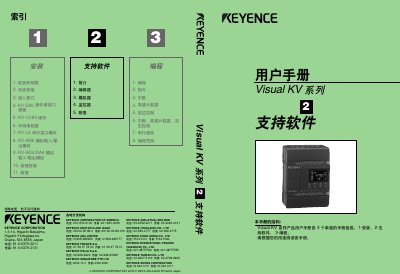
The Visual KV Series product documentation consists of three separate manuals: Installation, Support Software, and Programming. This document is the Support Software manual and is identified by the document number KV-H6WE2-UM; it includes safety precautions and CE marking requirements for the Visual KV Series PLC.
The support software manual is organized into Introduction, Editor, Simulator, Monitor, and Appendix sections. The text also describes Visual KV Series features such as the access window, serial ports, high-speed counters, interrupt inputs, and notes on compatibility with conventional KV Series peripheral modules and ladder support software. This manual is written in Chinese.
| Minimum scan time | 140 µs |
|---|---|
| Minimum instruction execution time | 0.7 µs |
| High-speed counters | 2 × 24-bit, 30 kHz, 2-phase |
| High-speed interrupt inputs | 4 inputs, maximum 10 µs |
| Input time constant settings | 10 µs to 10 ms, 7 levels |
| Pulse output maximum frequency | 50 kHz |
The manual states a minimum scan time of 140 µs.
It is organized into Introduction, Editor, Simulator, Monitor, and Appendix sections.
The built-in display shows “Error 40,” and pressing any key around the display cancels the message.
It has four high-speed interrupt inputs with a maximum of 10 µs.