
Quick start guide for configuring a KEYENCE PLC with the KV‑XH16EC EtherCAT bus stepper driver.
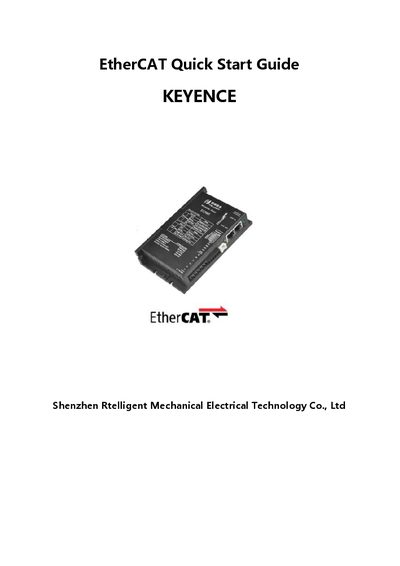
This guide explains how to set up a system that uses a KEYENCE Series PLC together with the Rtelligent EtherCAT bus stepper driver. It covers required hardware, software, project creation, and motion testing.
The document walks through hardware selection, software installation (Windows 7 or later and KEYENCE programming software), adding the KV‑XH16EC unit to a new project, loading description files, configuring motion axes and PDO parameters, and finally downloading the PLC program and performing a motion test.
| Operating System | Windows 7 and above |
|---|---|
| Programming Software | KEYENCE programming software (download from official website) |
| Driver Model | KV-XH16EC |
The hardware required is a KEYENCE Series PLC and a Rtelligent EtherCAT bus stepper driver.
The software runs on Windows 7 and later versions.