
The JVC RX-D211S/RX-D212B audio/video control receiver user manual provides setup, operation, and troubleshooting instructions.
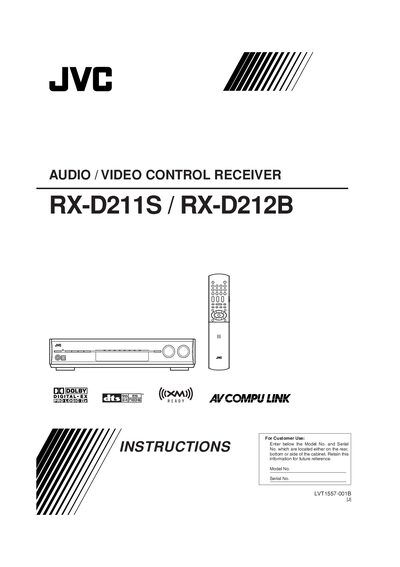
This manual guides you through installing and using the JVC RX-D211S/RX-D212B audio/video control receiver. It covers safety precautions, accessory checks, remote control setup, antenna and speaker connections, and basic operation of audio, video, FM/AM, and XM Satellite Radio functions.
Detailed sections explain speaker impedance requirements, temperature limits, battery replacement, and troubleshooting steps, helping you achieve optimal performance and reliable operation of the receiver.
| Speaker impedance | 6 Ω – 16 Ω |
|---|---|
| Battery type for remote control | Two R6 (AA) dry‑cell batteries |
| Standby lamp indication | Red lamp when on standby |
Open the battery cover on the back of the remote, insert two R6/AA batteries matching polarity (+ to +, – to –), and replace the cover.
Connect speakers that have an impedance between 6 Ω and 16 Ω as indicated on the speaker terminals.
Connect the supplied AM loop antenna to the AM LOOP terminals and rotate the loop until you achieve the best reception.