
The JVC RM-LP100U/E Remote Camera Controller User Manual provides safety instructions, setup, operation, and maintenance details.
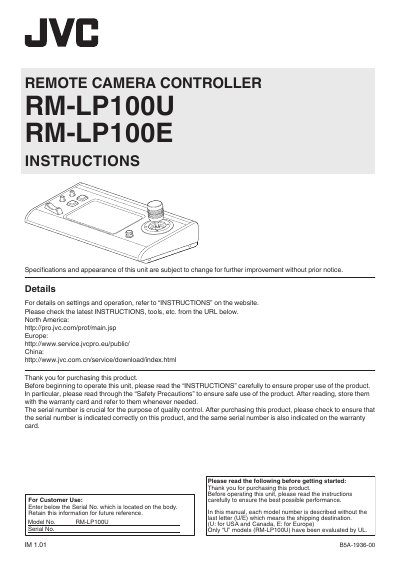
This manual explains how to install, configure, and safely operate the JVC RM-LP100U (U‑model) and RM-LP100E (E‑model) remote camera controllers. It begins with safety precautions, including laser class warnings, electrical shock prevention, and environmental restrictions.
The guide then covers supplied accessories, main features, part identification, camera selection, menu navigation, network and tally setup, troubleshooting, and technical specifications. It also includes a connection diagram and licensing information.
| Power supply (U‑model) | AC 120 V, 60 Hz |
|---|---|
| Power supply (E‑model) | AC 220‑240 V |
| Operating temperature range | 0 °C to 40 °C (32 °F to 104 °F) |
| Operating humidity range | 20 % RH to 90 % RH |
| Maximum controllable cameras | Up to 100 HD PTZ cameras (KY‑PZ100) |
| Laser classification | Class 1 laser product |
It can control up to 100 HD PTZ remote cameras (model KY‑PZ100).
The European model requires an AC power source of 220‑240 V.
Open the fuse compartment with a blade screwdriver, insert a correctly rated fuse, and close the compartment.