
The JVC PD-42WV74 plasma display user guide provides safety instructions, setup steps, operation details, and specifications.
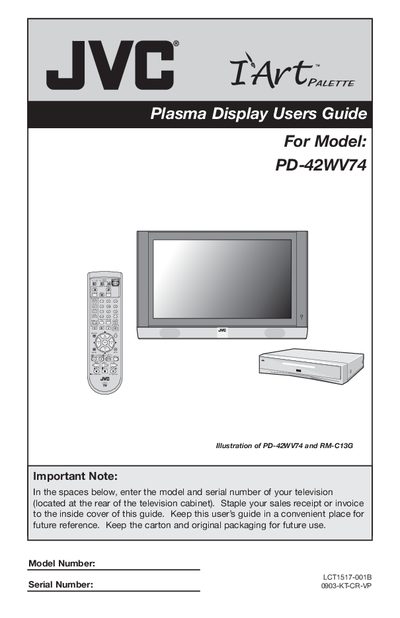
This guide covers everything you need to know to install, operate, and maintain the JVC PD-42WV74 plasma television. It includes quick‑setup instructions, remote‑control programming, connection diagrams, picture and sound adjustment, and troubleshooting tips.
Safety precautions, burn‑in prevention, warranty information, and a full specification table are also provided so you can use the TV safely and get the most out of its features.
| Model | PD-42WV74 |
|---|---|
| Type | Plasma Display |
| Screen Size | 42 inch / 107.5 cm (16:9) |
| Power Consumption | TV: 340 W, Receiver: 27 W |
| Audio Output | 18 W + 18 W (2 speakers) |
| Dimensions (TV with stand) | 45 5/16" × 31 7/16" × 12 3/16" |
| Weight (TV with stand) | 106 lb / 48 kg |
Do not expose the TV to rain or moisture, keep ventilation openings clear, maintain recommended distances from walls, avoid tilting the set, and ensure the power cord is protected from damage.