
Guide with system requirements, step‑by‑step installation and DV cable connection instructions for JVC ImageMixer 1.7 software.
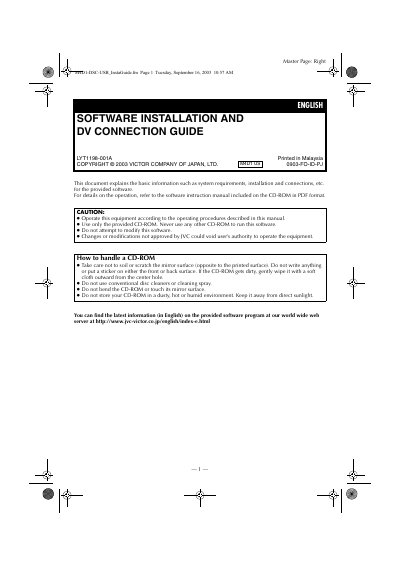
This document explains how to install JVC ImageMixer 1.7 on a Windows PC and how to connect a camcorder via an IEEE1394 (i.LINK) DV cable. It also includes safety notes for handling the supplied CD‑ROM.
The guide lists supported operating systems, required CPU speed, memory, disk space and other prerequisites, then walks the user through the installation wizard, license agreement, destination selection, and final setup. A short section shows the proper way to connect the DV cable between the camcorder and the PC.
| Supported Operating Systems | Windows Me, Windows 2000 Professional, Windows XP Home or Professional |
|---|---|
| Minimum CPU | Intel MMX Pentium, at least 200 MHz |
| Recommended CPU for DV capture | Intel Pentium III, at least 500 MHz (800 MHz recommended) |
| Minimum RAM | 64 MB (128 MB recommended) |
| Free Hard Disk Space | At least 230 MB for installation (1 GB recommended) |
| Connector | IEEE1394 (i.LINK) connector |
| Display Requirement | 800 × 600 pixels, 16‑bit color |
| Internet Explorer | Version 5.5 or later |
| DirectX | Version 8.0a or later |
Click the Finish button when the restart prompt appears; the installation will complete and the PC will restart automatically.