
The JVC GZ-MG365, GZ-MG335, and GZ-MG330U camcorder user manual provides safety instructions, setup, operation, and troubleshooting guidance.
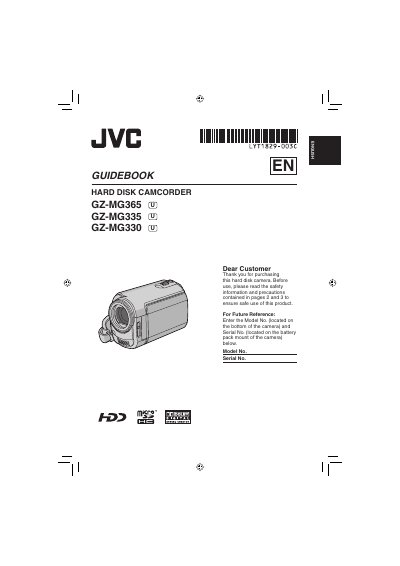
This manual begins with safety precautions, battery handling, and installation guidelines to ensure safe use of the camcorder. It also explains how to set up accessories, charge the battery pack, and configure basic settings such as date, time, and language.
The later sections cover recording and playback functions, editing and printing options, connecting the camcorder to a PC or TV, and troubleshooting common issues. Detailed specifications, battery information, and warranty terms are also included.
| Approximate video recording time | 430 min (ULTRA FINE) for GZ-MG335/330 |
|---|---|
| Operating temperature | 0 °C to 40 °C |
| Dimensions (W × H × D) | 42 mm × 14.5 mm × 91 mm |
| Weight | ≈ 30 g |
| Battery life | ≈ 1 year (depends on use) |
| Operating distance | Within 5 m (16.4 ft) |
Use the JVC BN‑VF808U, BN‑VF815U, or BN‑VF823U battery packs, or replace with Panasonic, Sanyo, Sony or Maxell CR2025 cells.
Copy important recorded data to a DVD or other storage media; JVC is not responsible for any lost data.