
The JVC GR-D750U user manual provides safety instructions, operation guides, recording features, and technical specifications for this MiniDV camcorder.
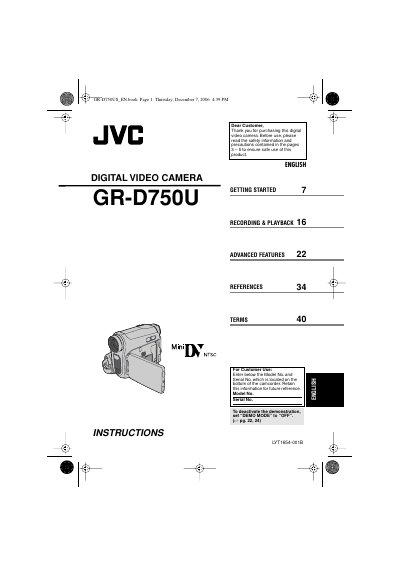
This manual introduces the GR-D750U camcorder, covering safety precautions, basic setup, and essential controls such as the control lever, power switch, and LCD monitor. It explains how to load and unload MiniDV cassettes, adjust settings, and use features like LED Light, Backlight Compensation, and Wipe/Fader effects.
Advanced sections detail recording modes (SP and LP), playback functions, editing options, and connectivity to TVs, VCRs, and computers via i.LINK (IEEE1394). The document also includes troubleshooting tips, battery and AC‑adapter information, and a full specification table.
| Battery pack model | BN-VF808U / VF815U / VF823U |
|---|---|
| AC adapter model | AP-V14U or AP-V18U |
| Internal battery type | CR Coin Cell Lithium Battery |
Set the DEMO MODE switch to OFF.
Only JVC BN‑VF808U, VF815U, or VF823U data batteries should be used.
Use SP (Standard) mode for important recordings; LP mode records longer but may add noise.
Insert an optional cleaning cassette and run it as instructed.