
Jolimark LQ-720K is a 24 pin 80 column dot matrix printer that can meet the requirements of multi-function printing, and is fully applicable to tax, post, telecommunications, public security, hospital, insurance, finance, securities, customs, hotels, aviation and transportation industries.
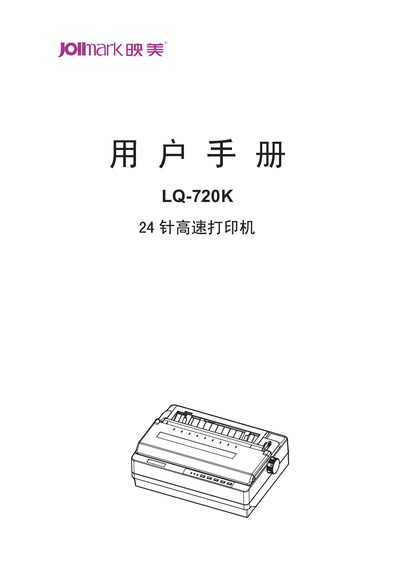
This manual covers all aspects of the Jolimark LQ-720K 24‑pin dot‑matrix printer, from safe handling and unpacking to detailed setup of paper, ribbon and interfaces. It also explains the control panel functions, printing parameters and how to perform routine maintenance.
Additional sections include a full list of technical specifications, a command reference for Epson ESC/PK2 codes, and a troubleshooting guide for common error conditions such as paper feed problems and print quality issues. This manual is written in Chinese.
| Printing method | 24‑needle dot matrix |
|---|---|
| Print width | 80 columns (10 cpi) / 203.2 mm |
| Print speed (normal) | 150 CPS |
| Resolution | 360 × 180 dpi (max) |
| Power consumption (working) | 53 W |
| Noise level | < 53 dB(A) |
| Dimensions (W×D×H) | 384 mm × 280 mm × 139 mm |
| Weight | ≈ 6 kg |
Turn the printer off, set the paper selector to single‑page mode, open the rear cover, then hold the tear key while turning the power on; the power indicator flashes and the online indicator goes off, indicating a paper‑out condition and starting the self‑test.
The printer supports the Epson ESC/PK2 command set, including initialization, line feed, character spacing and graphic modes.