
DP550 dot matrix printer user's manual, including important safety instructions
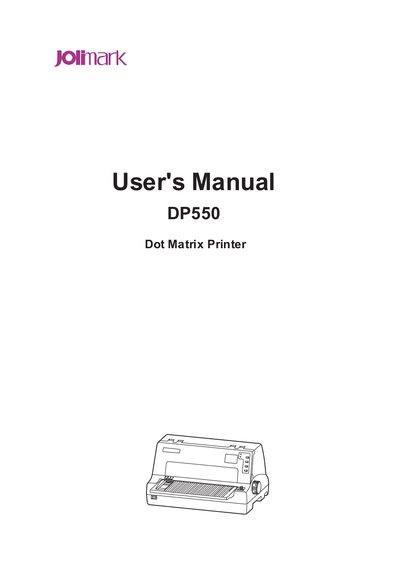
This manual covers important safety instructions, unpacking, parts identification, and installation steps for the DP550 dot matrix printer. It explains how to connect the printer to a computer via USB, parallel, Ethernet, or serial interfaces and describes the control panel functions.
The guide also details printing features such as high‑resolution graphics, bar‑code support, automatic paper handling, and compress printing modes, as well as maintenance procedures, troubleshooting, and technical specifications.
| Data buffer size | 132 KB |
|---|---|
| Supported interfaces | USB, parallel, Ethernet, serial |
| Label & paperboard thickness limit | < 0.2 mm total |
| Supported bar‑code types | EAN‑13, EAN‑8, Interleaved 2 of 5, Matrix 2 of 5, Industrial 2 of 5, Code 39, Code 128 B, Code 128 C, NW‑7 |
Unplug the printer from the power outlet before cleaning and use a damp cloth; do not use liquid or aerosol cleaners.
The printer supports EAN‑13, EAN‑8, Interleaved 2 of 5, Matrix 2 of 5, Industrial 2 of 5, Code 39, Code 128 B, Code 128 C, and NW‑7.
Yes, the optional automatic paper edge detection feature ensures the printed content stays within the printable area.