
This document is the TP-635 TP-635 User Manual, which mainly introduces the safety instructions and preparation work of the product.
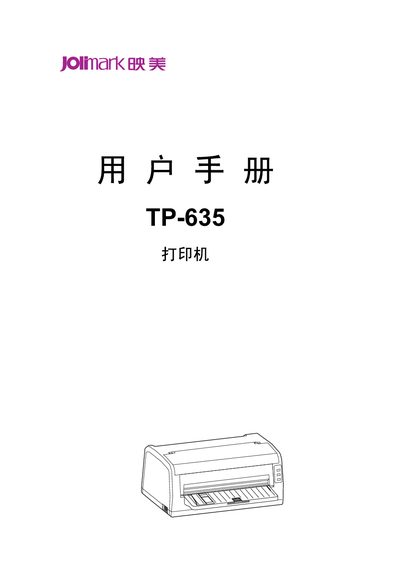
The Jolimark TP-635 is a 24‑pin flat‑bed receipt printer with a maximum resolution of 360 × 360 dpi and a 132 KB data buffer. It supports multiple interfaces such as Ethernet, USB and serial ports, and is compatible with OKI 5530SC and Epson ESC/PK2 command sets.
The manual covers safety precautions (e.g., keep the printer away from liquids and hot surfaces), unpacking, installation on a stable surface, connection of power and data cables, operation of the control panel, and routine cleaning and maintenance procedures. This manual is written in Chinese.
| Print head pins | 24 |
|---|---|
| Resolution | 360 × 360 dpi |
| Data buffer size | 132 KB |
| Supported interfaces | Ethernet, USB, serial |
| Compatibility | OKI 5530SC, Epson ESC/PK2 |
Use a slightly damp cloth; do not use alcohol or other chemical cleaners. Gently wipe the surface without inserting objects into the printer openings.
The printer can be equipped with Ethernet, USB, or serial interfaces depending on the specific model configuration.
The printer supports a maximum resolution of 360 dpi horizontally and 360 dpi vertically.