
The IDEAL SignalTEK NT is a touchscreen network transmission tester for copper and fiber cabling, offering wiremap, load, PoE, TDR testing and report…
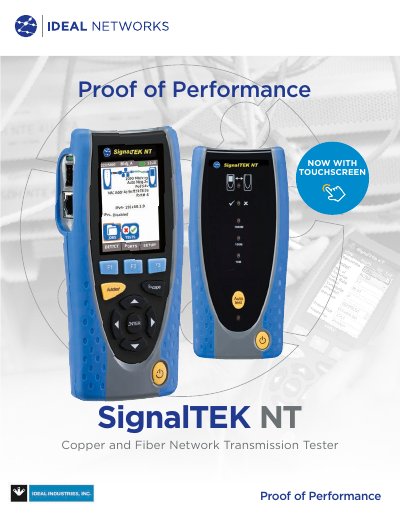
The SignalTEK NT Network Transmission Tester provides proof of performance for copper and fiber Ethernet networks up to Gigabit rates. It features automatic pairing of handsets, selectable traffic scenarios (VoIP, CCTV, video, web), wiremap testing, network load testing, PoE verification, TDR fault location and full network diagnostics, all displayed on a built‑in touchscreen.
The kit includes a handheld unit, remote, batteries, patch cables, power adapters, a USB Wi‑Fi adapter and a quick reference guide. Optional fiber kits and accessories such as an amplifier probe are available. Test results can be saved as PDF or CSV and sent via email, FTP, cloud storage or USB using the free IDEAL AnyWARE app.
Reports can be sent via the free IDEAL AnyWARE app using email, FTP, cloud storage, or saved to a USB key.
No calibration is required; the device uses replaceable RJ45 contacts.
It creates a wireless hotspot that can be connected to a mobile device running the IDEAL AnyWARE app for report transfer.