
This user guide provides instructions for operating, managing, and maintaining the HP LaserJet 4250 or 4350 series printers, including loading paper…
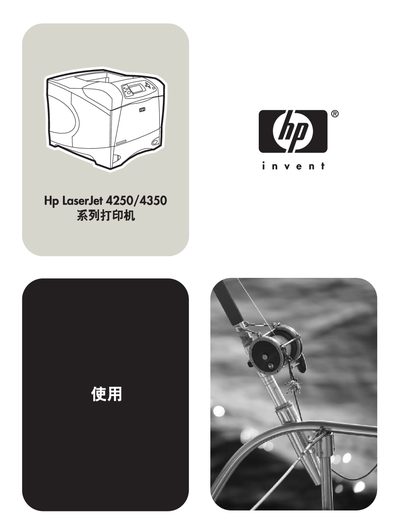
This document is the official user guide for the HP LaserJet 4250 or 4350 series printers. It covers basic printer information, including features, components, and interface ports. The guide details how to load paper, select paper trays, and print on various media types such as envelopes, labels, and custom-sized paper.
The manual also provides comprehensive instructions for managing and maintaining the printer. Topics include using the embedded Web server, HP Toolbox software, and HP Web Jetadmin. It includes procedures for cleaning the printer, performing preventive maintenance, replacing toner cartridges, and troubleshooting common issues like paper jams and print quality defects. This manual is written in Chinese.
| Document Type | User Guide |
|---|---|
| Copyright Year | 2004 |
| Product Number | Q5400-90955 |
You can obtain updated HP printer software, product, and support information from the website http://www.hp.com/support/lj4250 or http://www.hp.com/support/lj4350.
Before calling HP, you should prepare the product name and serial number, purchase date, and a description of the problem.
You can use the HP Toolbox software to check the printer status and settings and view troubleshooting information.