
This Honeywell VISTA-120 security system quick programming manual explains address setup, zone configuration, password management, and troubleshooting.
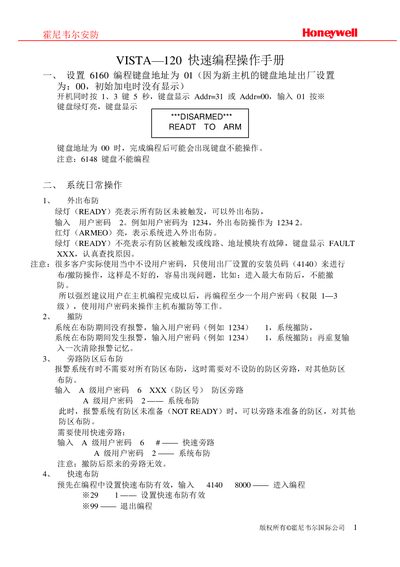
The manual provides step‑by‑step instructions for quickly programming the Honeywell VISTA‑120 security system. It covers keypad address setup, daily arming and disarming, zone programming, password configuration, and subsystem division.
Additional sections describe installation of the 4100SM serial module, setting A‑level user passwords, modifying the installer password, and a troubleshooting guide with common error messages. A table of optional accessories and their power consumption is also included. This manual is written in Chinese.
| Maximum subsystems | 8 |
|---|---|
| Maximum zones per system | 15 |
| Default keypad address | 00 |
| Serial module model | 4100SM |
Power on the unit and hold keys 1 and 3 for 5 seconds; the keypad will show Addr=31 or Addr=00, then enter the desired address (e.g., 01) and press the * key.
Enter the installer password 4140 followed by 8000; the keypad will display “Program Mode”.
Enter programming mode, then input the new password (e.g., 0414) and confirm to replace the original installer password.
The VISTA‑120 can be divided into up to eight separate subsystems.