
The Honeywell VisionPRO TH8000 Series touchscreen programmable thermostat operating manual provides setup, programming, operation, and maintenance instructions.
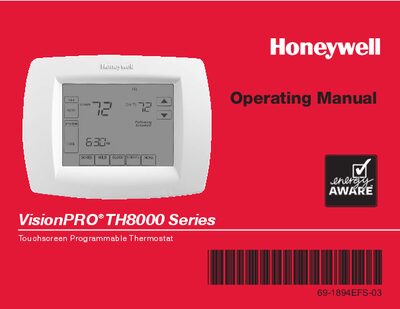
The VisionPRO TH8000 Series thermostat offers a large back‑lit touchscreen, 7‑day programmable schedules, one‑touch temperature overrides, and optional humidity control for select models. It supports various system configurations, from single‑stage heating/cooling to multi‑stage systems with dehumidification.
This operating manual walks you through initial installation, clock and fan settings, system mode selection, programming schedules, battery replacement, advanced functions, troubleshooting, and warranty information. Quick‑reference charts make it easy to locate controls and status displays.
| Program schedule type | 7‑day programmable schedules |
|---|---|
| Temperature accuracy | ±1 °F |
| Battery type | Lithium battery |
| Display | Large touchscreen with backlight |
| Humidity control | Available on select models |
| Supported system configurations | TH8110U – 1 Heat/1 Cool; TH8320U – up to 3 Heat/2 Cool; TH8321U – up to 3 Heat/2 Cool with dehumidification |
Press the CLOCK button, then press “s” or “t” to adjust the time, and press DONE to save the setting.
Press the FAN button to select On, Auto, or Circ; press DONE to confirm. Auto runs the fan only when heating or cooling is active.
Use the one‑touch temperature control: press the temperature up or down arrows to temporarily override the schedule.