
Hamamatsu SimplePCI 6.6 Installation Guide

Installation guide for SimplePCI 6.6, covering uninstalling older versions, connecting the dongle, and installing the software.
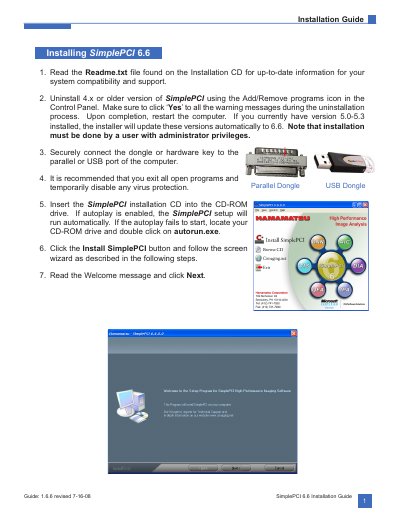

Hamamatsu SimplePCI 6.6 Installation Guide - cover page
Brand
Hamamatsu
Category
Other software
Document type
Installation Guide
Language
English
Pages
2
File format
PDF
File size
1.1 MB
Published
17 November, 2026
Updated
17 November, 2026
MD5 checksum
9F953B50996C3D6AA434559168C09A39

About this manual

This guide describes how to install SimplePCI 6.6 on a computer. It covers uninstalling SimplePCI 4.x or older, connecting the hardware key, running the installer from the CD, accepting the license, entering registration information, choosing folders, and completing installation.

The guide also notes that installation must be performed by a user with administrator privileges and recommends restarting the computer after installation.

What's inside

  • Uninstalling older versions
  • Connecting the hardware key
  • Running the installer
  • Software license agreement
  • Registration information
  • Destination and program folders
  • Completing installation

Frequently asked questions

Does SimplePCI 6.6 installation require administrator privileges?

Yes, installation must be done by a user with administrator privileges.

Where can I find the serial number for SimplePCI 6.6?

The serial number can be found on the dongle.

What is the recommended destination folder for SimplePCI 6.6?

It is recommended to install the software in C:\Program Files\SimplePCI.

Download PDF (1.1 MB)

More Hamamatsu Manuals


View all Hamamatsu manuals →