
Safety warnings and installation guidelines for GP touch panel systems, focusing on system design, wiring, and maintenance to prevent accidents.
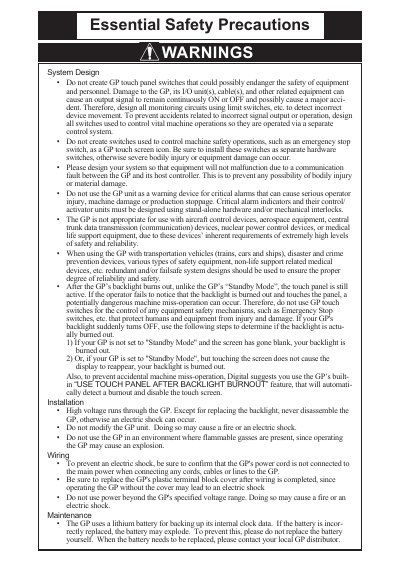
This document provides essential safety precautions and warnings for the design and installation of GP touch panel systems. It emphasizes the importance of using separate hardware for critical safety operations, such as emergency stops, and warns against using the touch panel as a primary warning device for critical alarms.
It also covers technical requirements for installation, wiring, and maintenance, including UL/c-UL(CSA) recognition for models GP2500-TC11 and GP2600-TC11, and specific conditions for use in hazardous locations.
| Grounding Resistance | 100 Ω or less |
|---|---|
| Grounding Wire Thickness | 2mm2 or thicker |
| UL File Number | E231702 |
| Pollution Degree | 2 |
No, emergency stop switches must be installed as separate hardware switches to avoid severe bodily injury or equipment damage.
Use the built-in "USE TOUCH PANEL AFTER BACKLIGHT BURNOUT" feature to automatically disable the touch screen upon burnout.
The battery should not be replaced by the user; you must contact your local GP distributor.