
This manual describes the monitoring tools available in Pro-Server EX, including status monitoring, register and symbol value viewing, system event logs…
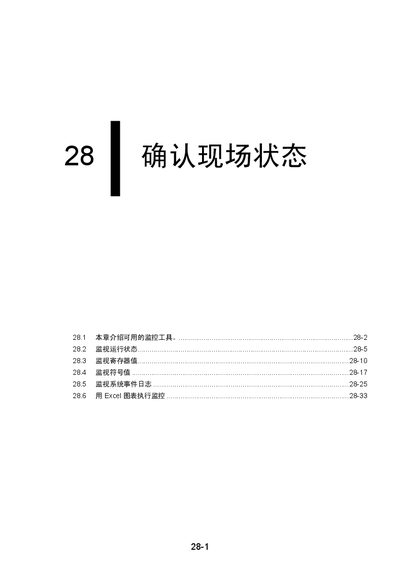
Pro-Server EX is a software tool used to monitor network engineering files registered with GP controllers or PLCs. The document details how to use various monitoring functions such as checking the running state of nodes, viewing current values for registers and symbols, and reviewing system event logs.
The manual also covers configuration settings for the status monitor screen, including node lists and update intervals. Additionally, it provides instructions on using Excel charts to visualize real-time data from monitored symbols via DDE communication. This manual is written in Chinese.
| Update Interval (Manual) | 3 seconds |
|---|---|
| Compatible Series | GP4000, GP3000, WinGP/LT3000 |
The status updates every 3 seconds when using the automatic update function.
No, you cannot save register data in the monitoring state; use 'Excel Report ACTION' to save.