
The GP-9025T, GP-9026T series direct thermal and thermal transfer label printer is built with 2 sets of gear to drive motor, with capability of handling 300 meters long ribbon and large label roll. Printer inner volume is fit for 5" OD (Outer Diameter) paper roll, if using external paper holder, you can install 8.4"OD industrial grade label roll. This printer is designed for real-time and batch label printing, with standard serial, parallel, USB and Ethernet connection port. Direct thermal printing and thermal transfer printing modes are all in one printer body, so you can choose various kinds of printing materials, for example: thermal paper, plain paper, coated paper, silver paper, plastic paper etc. Common 1D barcode and 2D barcode fonts are built inside printer, also it support 4 directio
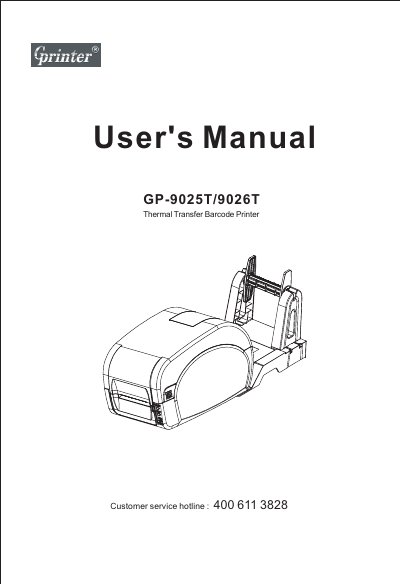
The GP-9025T and GP-9026T series are direct thermal and thermal transfer barcode printers designed for manufacturing, warehousing, healthcare, and retail applications. These printers feature a built-in automatic voltage switching power supply, support for 203dpi resolution, and the ability to handle large label rolls up to 8.4" OD with an external holder. They support various connection interfaces including serial, parallel, USB, and Ethernet. This manual is written in Chinese.
| Print Resolution | 203dpi |
|---|---|
| Maximum Print Width | 100mm (3.93") |
| Maximum Ribbon Length | 300 meters |
| Internal Paper Roll Diameter | 5" OD |
| External Paper Holder Capacity | 8.4" OD |
| Communication Interfaces | Serial, Parallel, USB, Ethernet |
| Print Modes | Direct Thermal, Thermal Transfer |
The manual recommends using a cotton swab, lint-free cloth, vacuum/blower brush, or 100% ethanol for cleaning.
Check if the power connector is well connected to the AC outlet and ensure the printer power switch is turned on.
Turn off the printer, allow the print head to cool for at least one minute, then use a cotton swab and 100% ethanol to clean the surface.