
Key facts
- Manuals
- 3
- Categories
- 1
- Languages
- EN · ZH
- Last added
- 2026-10-01
Featured GP manuals
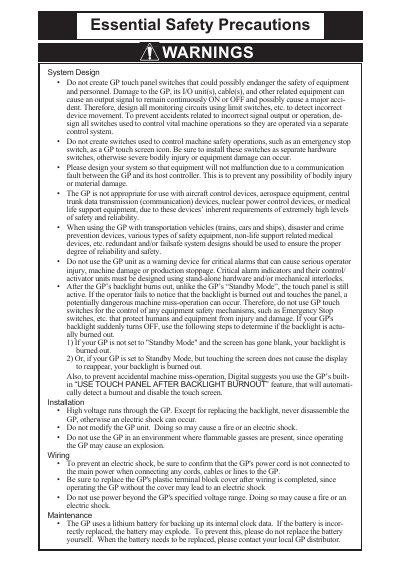
GP2400‑TC41‑24V Touch Panel Unit User Manual
This manual explains the safe use of the GP2400‑TC41‑24V touch panel unit, including warnings about electrical hazards, backlight burnout, and restrictions on use in safety‑critical applications. It also details required grounding, environmental limits, and disposal instructions.
Installation steps cover mounting the unit, securing the gasket, attaching fasteners with the correct torque, and connecting power, serial, Ethernet, printer and expansion interfaces. Wiring guidelines, grounding recommendations, and maintenance procedures such as battery handling and backlight replacement are also included, along with a full list of specifications and part numbers.
Covers: Warnings · Installation · Wiring · Maintenance · Safety Precautions · Specifications
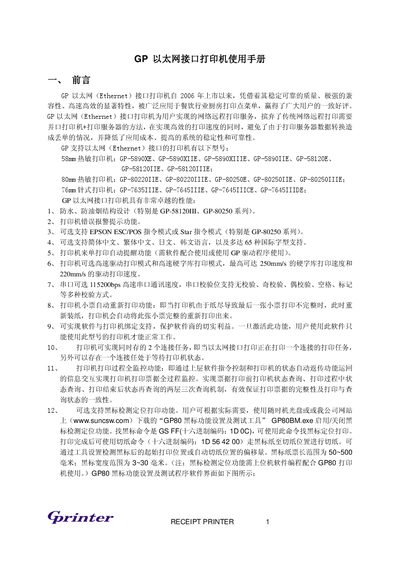
GP Ethernet Interface Printer User Manual
The GP Ethernet interface printer series offers high‑speed, reliable receipt printing with Ethernet (10Base‑T) connectivity. Various models such as GP‑5890XE, GP‑80220IIE, GP‑76351ITE and the GP‑S8120II series are supported, featuring waterproof and oil‑resistant designs, multi‑language character sets, and optional black‑mark positioning.
The manual details step‑by‑step installation, IP address and Ethernet ID configuration, network testing, and printing functions. It explains how to use the GPETHERNET.exe utility to set unique IP/ID values, adjust printer settings, and troubleshoot common connectivity issues. This manual is written in Chinese.
Covers: Features and Supported Models · Installation and Setup · IP Address and Ethernet ID Configuration · Network Testing · Printing Functions and Settings · Black‑Mark Positioning
Latest GP manuals
GP2400‑TC41‑24V Touch Panel Unit User Manual
User Manual 12 pages · 357 KB · ENThe GP2400‑TC41‑24V Touch Panel Unit User Manual provides safety warnings, installation, wiring, maintenance and technical specifications.
GP BATTERIES GPI International Limited GP PowerBank V600D (1-2 hrs Charger with LCD Display) Product Specification (Preliminary) Manual
GP270AAHC 4-slot charger, 1-4 AA or AAA mix charging, with LCD display
GP Ethernet Interface Printer User Manual
User Manual 14 pages · 516 KB · ZHThis manual provides installation, configuration, and operation instructions for GP Ethernet interface receipt printers.
Which document do I need?
User Manual
Day-to-day operation, settings and troubleshooting. Start here if the product is already set up.
Questions answered in GP manuals
What voltage should be supplied to the GP2400‑TC41‑24V unit?
The unit is designed to use only DC24V input; any other voltage may cause damage.
What torque is required for the installation fasteners?
A torque of 0.5 N·m is required when tightening the installation fasteners.
What command mode does the printer support?
The printer operates in EPSON ESC/POS command mode.
Can the printer print in black‑mark positioning mode?
No, black‑mark mode is not supported.