
Gigaset A68H Digital Cordless Phone User Manual

This manual provides instructions for the Gigaset A68H digital cordless phone, covering setup, handset registration, calling features, and menu settings.
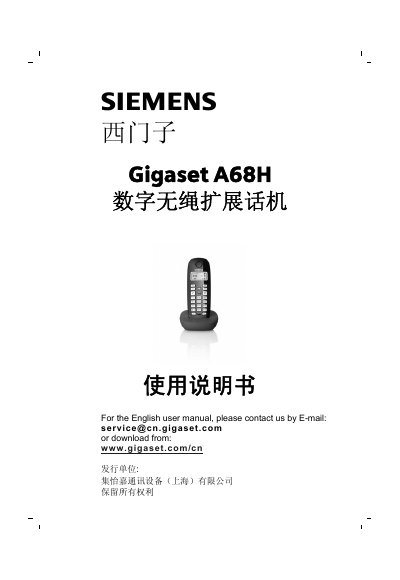

Gigaset A68H Digital Cordless Phone User Manual - cover page
Brand
Siemens
Document type
User Manual
Language
Chinese
Pages
16
File format
PDF
File size
357 KB
Published
28 February, 2012
Updated
25 October, 2026
Model
A68H
MD5 checksum
F179F223D0604AA92844ACDB30820F9A

About this manual

This document is the user manual for the Gigaset A68H digital cordless phone system. It details the preparation steps, including connecting the base station and installing batteries in the handset. The guide explains how to register up to four handsets to the base and describes the basic functions for making, answering, and ending calls. This manual is written in Chinese.

What's inside

  • Safety Precautions
  • Preparation
  • Handset Registration
  • Making and Answering Calls
  • Address Book
  • Call Lists
  • Multi-Handset Features
  • Menu Settings
  • Specifications

Frequently asked questions

What is the maximum number of handsets that can be registered to a single base?

A single base station supports up to four registered handsets.

How long does it take for the handset to register when using manual registration?

You must press and hold the Register/Call button on the base for 60 seconds until a confirmation tone is heard.

What are the maximum storage limits for contacts in the phonebook?

The phonebook can store up to 50 entries, with each number containing a maximum of 32 digits and a name of 14 letters.

What is the maximum range for indoor use?

The effective range indoors is up to 50 meters.

Download PDF (357 KB)

More Siemens Manuals


View all Siemens manuals →