
Key facts
- Brand
- Gigaset
- Model
- A68H
- Industry
- Appliances
- Documents
- 3
- Languages
- ZH
- Last added
- 2026-10-26
Start here
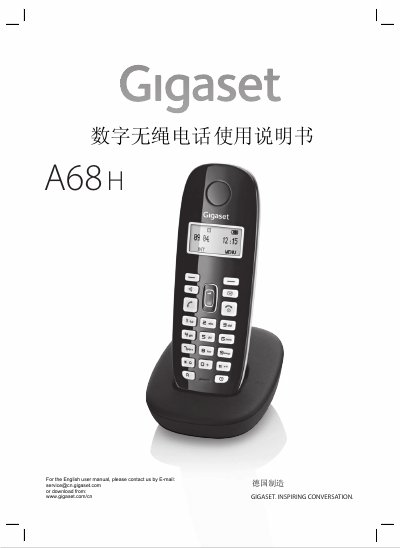
Gigaset A68H Digital Cordless Phone User Manual
The Gigaset A68H is a digital cordless telephone designed to provide inspiring conversation. This user guide details the preparation steps required before use, including connecting the charging base and installing batteries in the handset.
Once set up, users can register up to four handsets to the base station for internal calling and other advanced features like three-way calling. The manual explains how to make and receive calls, manage contacts, adjust volume settings, and configure various menu options such as alarms and audio tones. This manual is written in Chinese.
Gigaset A68H specifications
| Wireless Communication Standard | WDCT |
|---|---|
| Number of Channels | 80 full-duplex channels |
| Operating Frequency | 2400~2483.5 MHz |
| Bit Rate | 576 kbit/s |
| Modulation Method | GFSK |
| Maximum Transmitter Power | 25mW per channel |
| Effective Range (Indoor) | Max 50 meters |
| Base Power Supply | 230V~50Hz |
All Gigaset A68H documents by type
Day-to-day operation, settings and troubleshooting. Start here if the product is already set up.
Questions answered in these manuals
How many handsets can be registered to the base?
The base station supports a maximum of four registered handsets.
How do I enable three-way calling?
Go to the menu, select Settings > Base, and choose Listening In to activate it.
How many handsets can be registered to the base?
A maximum of four handsets can be registered to one base unit.
How do I enable three-way calling?
Go to the menu, select Settings > Base > Listening in and turn it on.
What is the maximum number of handsets that can be registered to a single base?
A single base station supports up to four registered handsets.
How long does it take for the handset to register when using manual registration?
You must press and hold the Register/Call button on the base for 60 seconds until a confirmation tone is heard.