
Step-by-step guide to download and manually install the Windows Embedded Compact 7 BSP patch onto the Freescale i.MX53 SABRE Board.
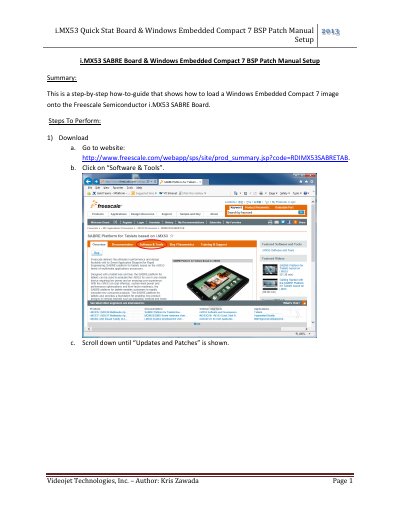
This document provides a step-by-step procedure for loading a Windows Embedded Compact 7 image onto the Freescale Semiconductor i.MX53 SABRE Board. It covers downloading the specific patch file from the manufacturer's website, including login and license agreement steps.
The guide details the manual installation process, instructing users to copy the downloaded ZIP file to the Windows Embedded Compact 7 directory and extract it using 7-Zip. It concludes with a verification step, noting that no specific verification is required at this time.
This guide shows how to load a Windows Embedded Compact 7 image onto the Freescale Semiconductor i.MX53 SABRE Board.
The downloaded file is named WEC700_MX53_Patch_1112.zip.
The file should be placed into the Microsoft Windows Embedded Compact 7 directory, such as D:\WINCE700.