
The Edimax HP-5102K Quick Start Guide explains how to set up the 500 Mbps HomePlug AV PowerLine adapter kit and lists its key features and specifications.
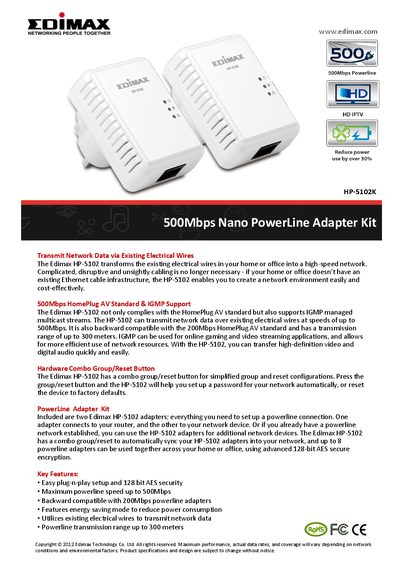
The Edimax HP-5102K transforms existing electrical wiring into a high‑speed network, delivering up to 500 Mbps using the HomePlug AV standard. It includes a combo group/reset button for easy password setup, 128‑bit AES encryption, energy‑saving mode, and IGMP support for efficient multimedia streaming.
To install, plug one adapter into a power outlet and connect it to your router, then plug the second adapter into a wall outlet near your device and connect it via the Ethernet port. The kit supports up to eight adapters in a network, with a transmission range of up to 300 m and backward compatibility with 200 Mbps adapters.
| Maximum data rate | 500 Mbps |
|---|---|
| Transmission range | Up to 300 m |
| Dimensions | 67 × 50 × 32 mm |
| Encryption | 128‑bit AES link encryption |
| Operating frequency band | 2‑68 MHz |
Plug one HP‑5102 adapter into a power outlet and connect it to your broadband router, then plug the second adapter into a power outlet near your computer and connect it to the Ethernet port.
The adapter can transmit network data at speeds of up to 500 Mbps.
Yes, it uses 128‑bit AES link encryption with key management.
The device can transmit data over existing electrical wires up to 300 meters.