
The Edimax BR-6228nS_nC user manual provides setup, configuration, safety, and maintenance instructions for the wireless broadband router.
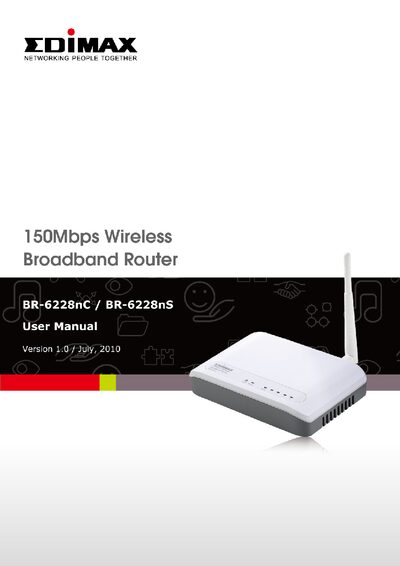
This manual covers everything you need to install and operate the Edimax BR-6228nS_nC wireless broadband router, from unpacking and safety guidelines to detailed network and wireless configuration steps. It includes instructions for setting up internet connections, configuring LAN and WAN settings, and using advanced features such as QoS, DDNS, and firewall controls.
Additional sections explain firmware upgrades, language selection, and troubleshooting procedures like restarting the router. Safety information and package contents are also listed to help you get started quickly and safely.
| Wireless Standard | IEEE 802.11b/g/n |
|---|---|
| LAN Ports | 4 × 10/100M |
| WAN Port | 1 × 10/100M |
| Maximum LAN Users | 253 |
| Default IP Address | 192.168.2.1 |
| Power Adapter | 5V 1A |
| Power Input | 100‑240 V, 50/60 Hz |
The router uses the default IP address 192.168.2.1.
Click the ‘Language’ button in the main menu, then select the desired language from the dropdown list.
Use the router indoors only, keep it away from hot or humid places, children, and flammable materials, and do not disassemble it.