
This manual introduces the functions and use of the Fast Ethernet Combo Printer Server (model number FX2-CPS).
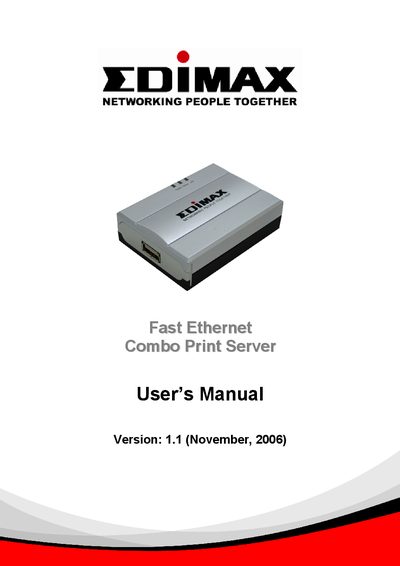
The Fast Ethernet Combo Print Server from Edimax enables a GDI/host‑based printer to become a sharable network device. It works with Windows 2000 SP4 and Windows XP SP1 (and later) and allows printers that normally rely on a host computer to be accessed by multiple users.
The manual covers hardware installation, software installation, server configuration, web management, and troubleshooting. It also includes a compatibility appendix listing printers that have been verified to work with the device and guidance on setting a static IP address for reliable network operation.
| Supported Operating Systems | Windows 2000 SP4 and Windows XP SP1 and above |
|---|---|
| Network Interface | Fast Ethernet (10/100 Mbps) |
| Power Requirement | Use supplied power adapter only |
The device supports Windows 2000 SP4 and Windows XP SP1 and later versions.
Yes, setting a static IP address is recommended because DHCP assignments may change the server’s address.