
Quick Installation Guide, introduces the installation, configuration and management of theedimax AC-M3000 / M1000 Network Access Controller
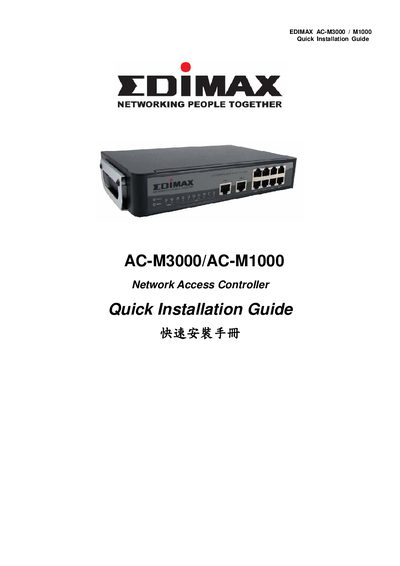
The guide provides step‑by‑step hardware installation for the Edimax AC‑M3000 and AC‑M1000 Network Access Controllers, including power connection, Ethernet cabling, and console access. It also describes the front‑panel ports, LEDs, and physical dimensions of the devices.
After hardware setup, the document explains how to access the web management interface, configure basic system settings, change the admin password, set WAN connection types, and add local users. It includes screenshots of the configuration wizard and instructions for saving settings and restarting the controller.
| Dimensions (W x D x H) | 243 mm x 150 mm x 45.5 mm |
|---|---|
| Ethernet ports | 10 fast Ethernet (100Mbps) ports (2 WAN, 8 LAN) |
| WAN ports | 2 |
| LAN ports | 8 |
| LED indicators | 12 |
| Power adapter | DC 12V |
Connect a PC to one of the LAN5‑LAN8 ports, open a browser and go to https://192.168.2.254, then log in with the default username “admin” and password “1234”.
The default username is “admin” and the default password is “1234”.
In the configuration wizard, select “Change Admin’s Password”, enter and verify a new password (max 20 characters, no spaces), then continue.