
This quick start guide provides installation, wiring, and startup steps for the DriveIT ACS550-01 low‑voltage AC drive.
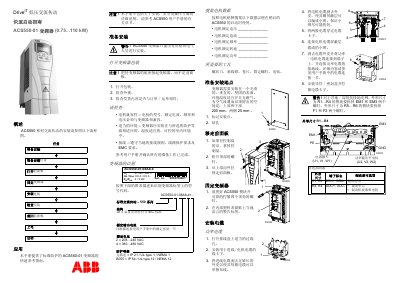
The guide gives a brief overview of the ACS550‑01 low‑voltage AC drive and stresses that detailed installation, safety, and operation instructions are found in the full user manual. Only qualified electrical personnel should perform the installation.
It walks the installer through preparing the site, mounting the drive, connecting power and motor cables, wiring control and RS‑485 cables, performing pre‑power‑up checks, and finally powering up and using the startup wizard to configure the drive for operation. This manual is written in Chinese.
| Input voltage range | 380–480 VAC |
|---|---|
| Protection class | IP 54 |
| Clearance around drive | 200 mm top/bottom, 25 mm sides |
| Maximum digital input voltage | 30 V DC |
No, the ACS550‑01 must be installed only by qualified electrical personnel.
Provide at least 200 mm of space above and below the drive and 25 mm on each side.
The digital input terminals may not exceed 30 V DC.