
XFC XRCSeries / X Start-Up Guide, describes how to install and start the XFC or XRC series flow computer or remote controller
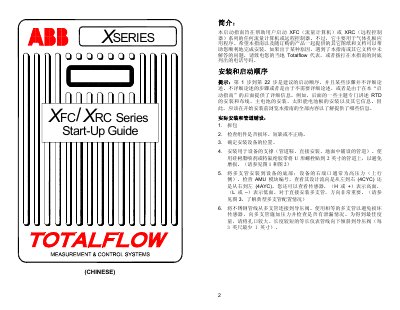
The Start‑Up Guide provides step‑by‑step instructions for unpacking, installing, and commissioning the XFC (flow computer) or XRC (remote controller) devices. It covers mechanical installation, RTD detector wiring, battery and solar‑panel setup, and initial communication configuration.
Key sections include detailed procedures for mounting the device, connecting RTD sensors (XFC only), enabling the memory‑backup battery, installing a solar panel, setting up RS‑232/RS‑485/RS‑422 communication ports, and troubleshooting common issues such as alarm codes and communication failures. This manual is written in Chinese.
| Memory Backup | Enabled |
|---|---|
| Low Battery Alarm Threshold | 2.5 VDC |
| New Battery Voltage | ≈ 3.6 VDC |
| RTD Input | XFC only |
Mount the RTD, route the cable to the XFC board and connect it to connector block J7; the XRC model does not have an RTD input.
Connect the solar‑panel cable to terminal J5 on the XFC board or J17 on the XRC board after mounting the panel.