
This start-up guide is intended to help users start up the µFLO series flow computers.
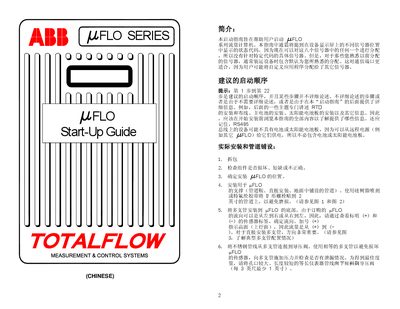
This guide helps users start up the Totalflow µFLO series flow computer. It outlines a suggested start-up sequence from unpacking and component inspection through pipe saddle or direct mounting, sensor flow direction, and stainless steel line connections to the isolation valves.
It also describes RTD probe and wiring installation, memory backup and main battery setup, solar panel or AC charger connection, PCCU32 or FS/2 configuration, date, time, ID, location and AGA settings, calibration checks, and placing the flow computer on the line. This manual is written in Chinese.
| RTD probe cable length | 10 feet standard; optional 15, 25, 30, 40, 50 feet |
|---|---|
| Thermowell thread size | 3/4 inch NPT standard; optional 1/2 and 1 inch |
| Lithium battery low voltage threshold | Below 2.5 volts |
| PCCU32 software version | 4.3 or higher |
| FS/2 version | 2018583-007 or higher |
The standard RTD probe has a 10-foot cable, with optional lengths of 15, 25, 30, 40, and 50 feet.
Replace it when the LL low lithium battery alarm appears on indicator A7, indicating voltage below 2.5 volts.
PCCU32 version 4.3 or higher and FS/2 version 2018583-007 or higher are required.
Face the solar panel south in the Northern Hemisphere and north in the Southern Hemisphere.