
User's guide for the DrayTek VigorAP 910C ceiling-mount access point, covering installation, network setup, wireless LAN settings and troubleshooting.
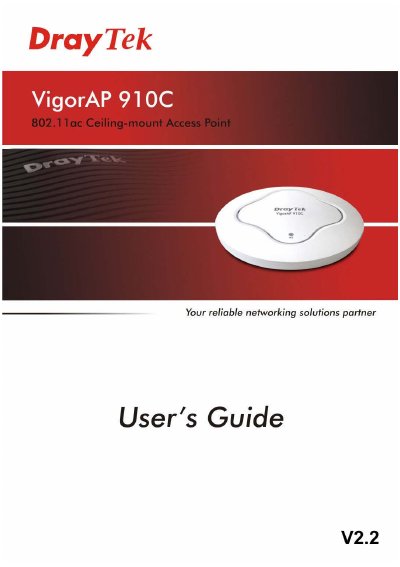
The VigorAP 910C is a ceiling-mount wireless access point. This guide describes the LED indicators and connectors, ceiling-mount, suspended-ceiling and wall mounting, and connecting to a Vigor router with or without AP Management, or to a PC directly.
It then explains Windows IP address setup and access to the web interface, including password change and the Quick Start Wizard for 2.4GHz and 5GHz wireless settings. Advanced chapters cover operation modes, LAN, central AP management, wireless LAN settings for AP, station-infrastructure, bridge, WDS and universal repeater modes, RADIUS, applications, mobile device management, system maintenance and diagnostics, followed by troubleshooting.
| Wireless standard | 802.11n |
|---|---|
| Data rate | 300 Mbps |
| Power over Ethernet | PoE |
| Operating temperature | +5 to +40 °C |
| Mounting | Ceiling-mount |
| Antennas | Built-in optimized antennas |
The guide states a speed of 300Mbps.
It should be used within a temperature range of +5 to +40 Celsius.
Yes. The guide states that PoE on the VigorAP 910C relieves the installation of a power plug.
You can register your VigorAP via http://www.draytek.com.