
DrayTek Vigor 2710 Series ADSL Router New Zealand Quick Set-Up Guide

A quick setup guide for the DrayTek Vigor 2710 Series ADSL Router, providing instructions for connecting to the Telecom network in New Zealand and…
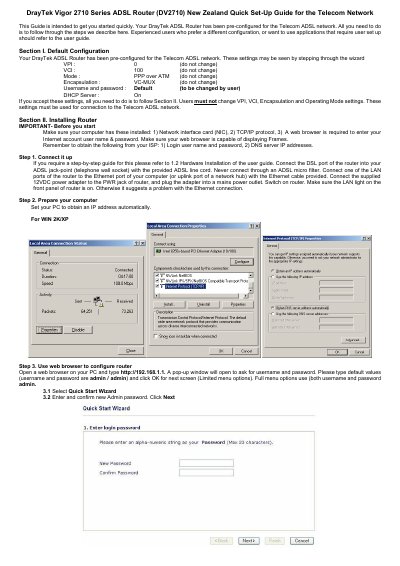

DrayTek Vigor 2710 Series ADSL Router New Zealand Quick Set-Up Guide - cover page
Brand
DrayTek
Category
Router
Document type
Quick Start Guide
Language
English
Pages
2
File format
PDF
File size
305 KB
Published
29 October, 2026
Updated
29 October, 2026
MD5 checksum
1696460408C2D7820926B7EEF905900F

About this manual

This document serves as a quick start guide specifically for the DrayTek Vigor 2710 Series ADSL Router (DV2710) configured for the Telecom network in New Zealand. It outlines that the device is pre-configured with specific VPI, VCI, and encapsulation settings required by the provider.

What's inside

  • Default Configuration
  • Installing Router
  • Connect it up
  • Prepare your computer
  • Use web browser to configure router

Frequently asked questions

What are the default VPI and VCI settings for the Telecom ADSL network?

The default configuration requires a VPI of 0 and a VCI of 100.

What web address should be entered to configure the router?

You must type http://192.168.1.1 into your web browser.

What are the default username and password for router access?

The default values for both the username and password are admin.

Download PDF (305 KB)

More DrayTek Manuals


View all DrayTek manuals →