
Quick setup guide for DrayTek Vigor2763 Series VDSL2 Security Router with hardware installation and configuration steps.
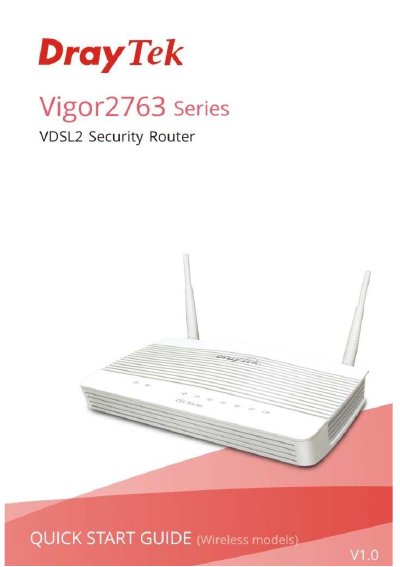
This guide helps you install and configure the DrayTek Vigor2763 Series VDSL2 Security Router. It covers unpacking, panel explanation, hardware setup, and initial configuration via web interface. Safety and warranty information is included, along with details on power adapters and wireless settings. The guide also provides links to firmware updates and support resources.
The router supports DSL and 2.4GHz/5GHz Wi-Fi, with LED indicators for status monitoring. Installation includes connecting DSL, LAN, and power cables, and mounting the device using keyhole slots. Configuration steps cover accessing the web interface and setting up WAN connections via PPPoE, DHCP, or PPPoA.
The router is warranted for two years from the date of purchase.
The maximum power consumption is 17-23 Watts.
You must press and hold the button for more than 5 seconds.