
This user guide covers the installation, configuration, and management of the DrayTek VigorSwitch G2540X L2+ managed Gigabit switch.
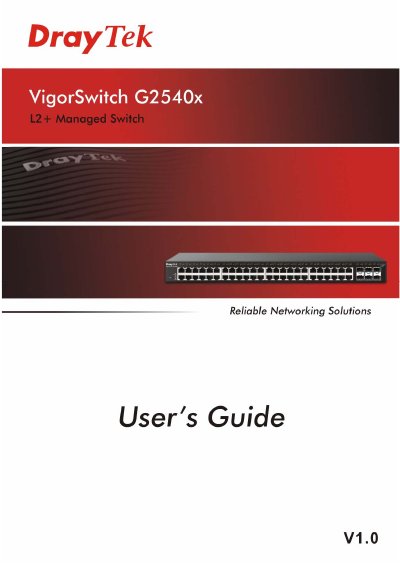
The VigorSwitch G2540X is an L2+ managed Gigabit switch designed for office applications. It features 24 10/100/1000Mbps TP ports and one 1000Mbps SFP Fiber port, supporting management via telnet, HTTP, HTTPS, SSH, and SNMP. The device implements Quality of Service (QoS), VLAN, and Trunking capabilities.
| Switch Type | L2 Managed Gigabit Switch |
|---|---|
| TP Ports | 24 10/100/1000Mbps |
| Fiber Port | 1000Mbps SFP |
| Management Interfaces | telnet, http, https, SSH, SNMP |
| VLAN Support | 24 active VLANs, ID 1~4094 |
| Energy Efficiency | IEEE 802.3az and Energy-Efficient Ethernet |
The device supports telnet, http, https, SSH, and SNMP for management.
It is a standard L2 Managed Gigabit Switch suitable for office applications.
The switch has 24 10/100/1000Mbps TP ports.
The switch supports telnet, http, https, SSH and SNMP interface for switch management.