
User guide for DrayTek Vigor160 Series 35b/G.Fast modem covering installation, configuration, connectivity, security, and system management.
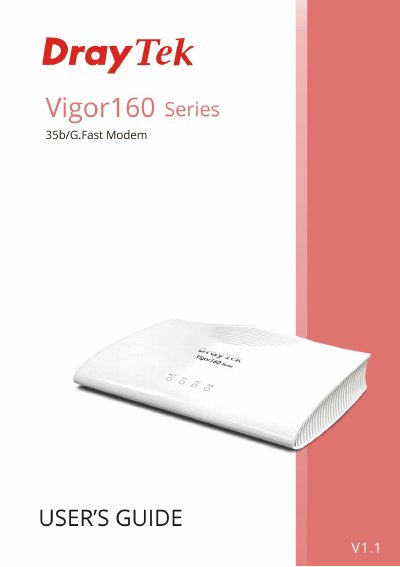
This user’s guide provides step-by-step instructions for installing, configuring, and managing the DrayTek Vigor160 Series 35b/G.Fast modem. It covers hardware setup, web interface access, internet and LAN configuration, NAT, security settings, and system maintenance. The guide also includes troubleshooting tools and Telnet commands for advanced users.
The document is structured into parts covering installation, connectivity, security, management, objects settings, and troubleshooting. It includes detailed sections for IPv6, dynamic DNS, firewall, routing, and diagnostics, with application notes for specific features like DrayDDNS and CSM.
The firmware version is V4.0.5.
The warranty is for two (2) years from the date of purchase.
The URL is http://www.DrayTek.com.
The router should be used within a temperature range of +5 to +40 Celsius.