
Quick start guide for DrayTek's P1085 and G1085 web smart gigabit switches, covering installation, safety, warranty, and basic configuration.
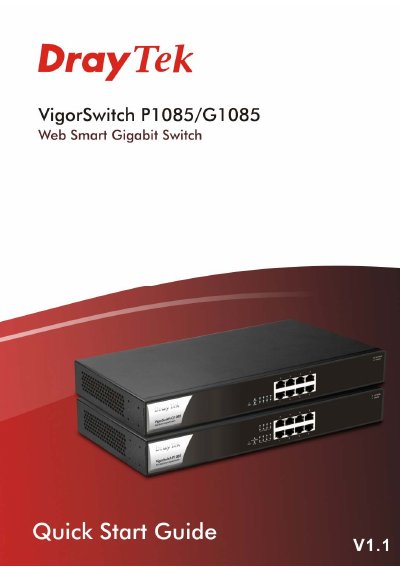
This guide provides step-by-step instructions for installing and configuring the DrayTek VigorSwitch P1085 and G1085. It includes safety precautions, power requirements, rack mounting, and initial software setup via web browser. The switches support PoE and VLAN features for office use.
The guide also covers warranty terms, regulatory compliance, and firmware updates. Users are instructed to register their device and consult DrayTek’s website for updates and support.
| Power Output (IEEE 802.3af) | Max. 15.4W Output Supported |
|---|---|
| Power Output (IEEE 802.3at) | Max. 30W Output Supported |
| PoE Power Budget | 140 Watts (Max) |
| Default IP Address | 192.168.1.224 |
| Default Subnet Mask | 255.255.255.0 |
| Default Username | admin |
| Default Password | admin |
The default IP address is 192.168.1.224.
Open a web browser and enter the switch’s IP address after configuring your PC to be on the same subnet.
The switch is warranted for one (1) year from the date of purchase.
The maximum PoE power budget is 140 Watts.