
This guide covers the installation, wiring, programming, and troubleshooting for the Delta TP70P Series Human Machine Interface (HMI).
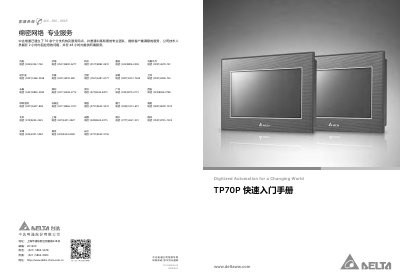
The Delta TP70P Series HMI is a flexible touch panel designed for industrial automation. It features a 7-inch TFT LCD display with 65,535 colors and supports various communication protocols including USB, RS-485, and RS-232. The device is compatible with Delta PLCs, servos, and variable frequency drives, allowing for seamless integration into control systems. This manual is written in Chinese.
| Display Screen | 7-inch TFT LCD (65,535 colors) |
|---|---|
| Resolution | 800x480 pixels |
| Power Supply Voltage | 24V DC (-15% ~ 20%) |
| CPU | 32-bit ARM Cortex-M4 MCU |
| Flash ROM Capacity | 128MB |
| Communication Speed | 9,600bps ~ 115,200bps |
| Operating Temperature | 0°C ~ 50°C |
| Front Panel Protection | IP66 / NEMA4X / UL Type4X |
The hardware operating temperature range is 0°C to 50°C.
The TP70P-32TP1R/T model has 16 digital input points (X0 ~X7、X10~X17).