
Installation manual for Delta DVP series function expansion cards, covering wiring, safety precautions, and setup steps.
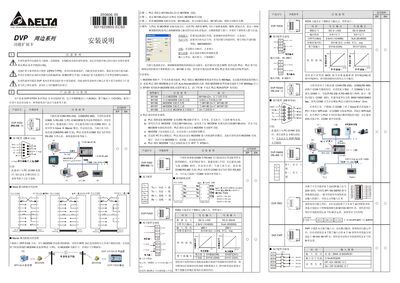
This manual provides installation and wiring instructions for the DVP series function expansion cards used with Delta DVP‑EP/EH PLCs. It describes safety measures such as turning off the PLC power and using anti‑static protection, and lists the various card types (RS‑232, RS‑422, analog input/output, digital I/O, memory, etc.) with their corresponding part numbers.
The guide also includes configuration steps for modem communication, wiring diagrams for RS‑232/RS‑422/RS‑485 interfaces, and example applications for each card type. Detailed parameter tables give voltage and current ranges, resolution, and input/output specifications for analog and digital cards. This manual is written in Chinese.
| Resolution (12‑bit) | 2.5 mV (10/4000) |
|---|---|
| Input impedance (analog card) | 40 kΩ |
| Number of digital inputs (DVP‑F8ID) | 8 |
| Digital input voltage (DVP‑F4IP) | 24 V DC |
| Number of digital inputs (DVP‑F4IP) | 4 |
Yes. The manual states that the main power must be turned off and anti‑static measures taken before installing the card.
The DVP‑F4IP card provides four digital input points.