
CME-PD01 is a PROFIBUS-DP communication module that connects PROFIBUS-DP systems and Delta VFD-E series inverters.
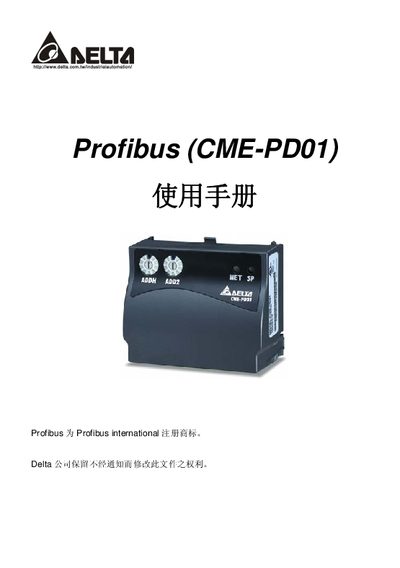
The Delta CME-PD01 is a PROFIBUS‑DP communication module designed to connect PROFIBUS‑DP networks with Delta VFD‑E series inverters. The manual provides a product overview, physical description, and key features such as periodic data exchange (PZD) and parameter access (PKW).\n\nInstallation instructions cover the DB9 PROFIBUS‑DP connector, RS‑485 RJ45 power/communication link, and address setting knobs (ADDH/ADDL). Communication parameters, LED status indicators, error codes, and GSD file configuration are detailed, along with dimensions and mechanical specifications. This manual is written in Chinese.
| Communication speed range | 9.6 kbaud to 12 Mbaud |
|---|---|
| LED indicators | SP LED (module‑to‑inverter status), NET LED (module‑to‑PROFIBUS status) |
Use the two rotary address setting knobs: ADDH sets the high 4 bits and ADDL sets the low 4 bits of the PROFIBUS‑DP address.
The SP LED shows the communication status between the CME‑PD01 and the inverter, while the NET LED shows the connection status between the CME‑PD01 and the PROFIBUS‑DP network.
It supports baud rates from 9.6 kbaud up to 12 Mbaud.