
Delta TP05G (BS2/BT2) and TP08G (BS2/BT2) are Delta TP series displays. TP05G (BS2/BT2) has a resolution of 160x80, and can display 14x7 Chinese characters. TP08G (BS2/BT2) has a resolution of 240x128, and can display 21x11 Chinese characters. Both TP05G (BS2/BT2) and TP08G (BS2/BT2) have RS-232 and RS-485 interfaces.
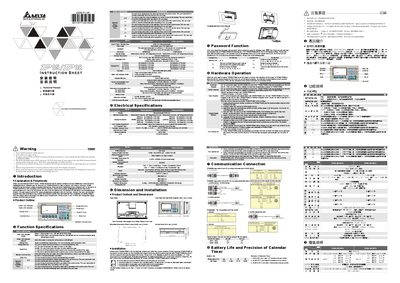
This guide explains how to install the Delta TP058/08 display controller, including mechanical mounting, wiring of power and communication ports, and initial configuration of the LCD panel. It also covers optional features such as password protection, backlight auto‑turn‑off, and RTC calendar settings.
The manual details the supported communication interfaces (RS‑232, RS‑485/RS‑422), provides the required power specifications, and lists the environmental limits for safe operation. Safety warnings and installation precautions are included to ensure reliable performance in industrial environments.
| Power input | 24 V DC, 0.8 W max |
|---|---|
| Memory capacity | 1024 KB |
| CPU | TBTR710RZTB |
| Dimensions | 210 mm × 122 mm × 45 mm |
| Weight | 0.43 kg |
Press the contrast adjustment button in the function table to increase or decrease the LCD contrast.
The controller operates from a 24 V DC supply with a maximum consumption of 0.8 W.