
The Delta ASD-PU-01A Digital Operator User Manual provides safety, installation, operation, and parameter‑setting instructions for the device.
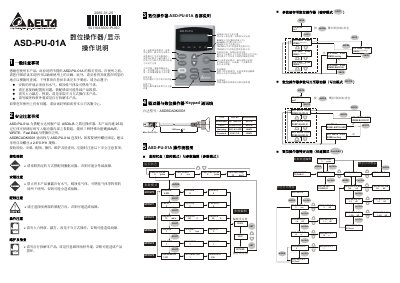
This manual describes the ASD‑PU‑01A digital operator, which works with Delta ASDA‑B servo products. It includes general and safety precautions, wiring guidelines, part descriptions, and detailed operation procedures such as parameter editing and fast‑edit mode.
Key sections cover installation environment requirements, connector specifications, the three special function keys (SAVE, WRITE, Fast Edit), and step‑by‑step flowcharts for monitoring, parameter editing, saving, and writing parameters to the drive. This manual is written in Chinese.
| Memory groups | 25 |
|---|---|
| Display | 2 × 16 characters |
| Special function keys | SAVE, WRITE, Fast Edit |
| Mounting screw size | φ 2.6 × 0.9 × 8 mm self‑tapping |
| Firmware version | 1.001 |
The device has 25 memory groups for storing and writing drive parameters.
The operator includes three special keys: SAVE, WRITE, and Fast Edit.