
This manual provides operating instructions for the Coby MP4 digital player, covering music and video playback, system settings, and firmware upgrades.
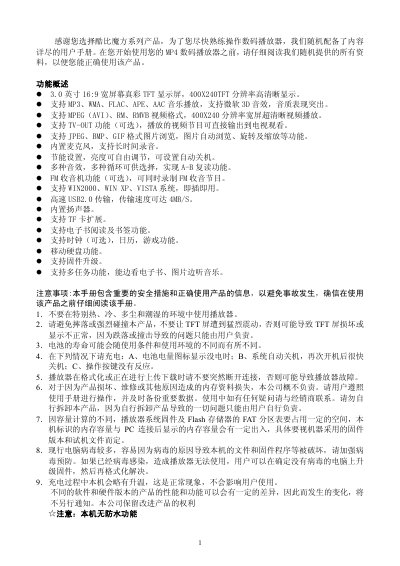
This user manual is designed to help users operate the Coby MP4 digital player efficiently. It details the device's features, including a 3.0-inch TFT display, support for various audio and video formats, and multimedia capabilities like FM radio and game simulation. The guide explains how to use the physical buttons and menu system to navigate functions such as music playback, video viewing, and picture browsing. This manual is written in Chinese.
| Display | 3.0 inch 16:9 wide screen true color TFT |
|---|---|
| Resolution | 400x240 |
| Audio Formats | MP3, WMA, FLAC, APE, AAC |
| Video Formats | MPEG (AVI), RM, RMVB |
| Image Formats | JPEG, BMP, GIF |
| USB Interface | USB 2.0 |
| Transfer Speed | 4MB/S |
| Storage Expansion | TF card |
Press the 'ON | OFF' key to 'ON' and hold the key for more than 3 seconds.
Press the VOL key to activate the volume indicator, then use the left and right arrow keys to adjust.
Long press the 'M' key for 2 seconds to enter repeat mode, then long press it again to set the start and end points.
Yes, you can upgrade the firmware via the 'System Settings' menu in the main interface.