
This guide provides installation, setup, usage and troubleshooting instructions for the Cisco DPQ2160/EPQ2160 DOCSIS 2.0 cable modem.
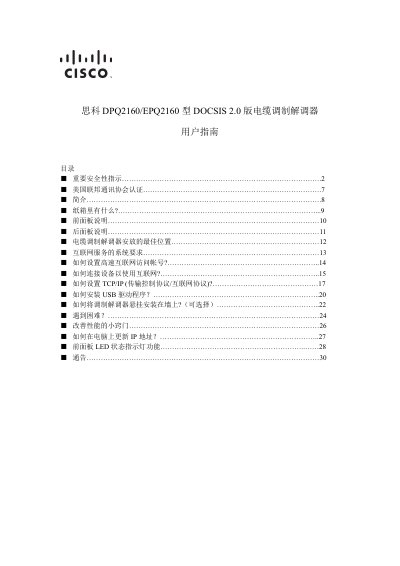
The Cisco DPQ2160/EPQ2160 cable modem user guide covers everything needed to get the device up and running, including safety precautions, FCC certification, hardware overview, installation steps, network configuration, USB driver installation, wall‑mount options, performance tips and troubleshooting. It also lists the contents of the packaging and explains the front‑panel LED status indicators.
Key sections detail how to connect the modem to power, coaxial service, Ethernet or USB, how to set up a high‑speed Internet account, configure TCP/IP settings, and update the device firmware. Safety instructions emphasize proper grounding, keeping the unit dry, using only supplied accessories, and avoiding opening the enclosure. This manual is written in Chinese.
| Power Input | 100‑240 V AC |
|---|---|
| USB Interface Speed | 12 Mbps |
| Ethernet Interface | RJ‑45 |
| DOCSIS Standard | DOCSIS 2.0 |
| LED Status Indicators | POWER, DS, US, ONLINE, LINK |
Refer to the section titled “如何安装 USB驱动程序” which provides step‑by‑step instructions for installing the driver on a computer.