
Installation and configuration instructions for the Cisco Catalyst 4500 E series 8L‑E management engine.
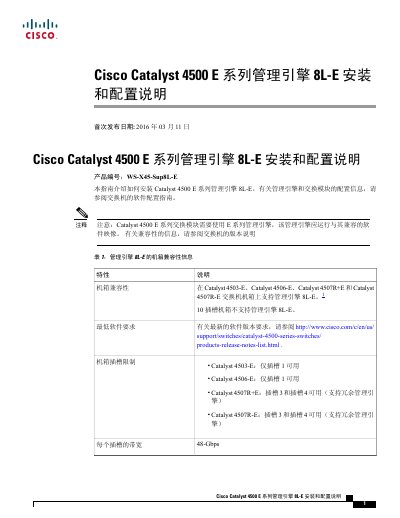
This guide provides step‑by‑step procedures for installing, removing, and configuring the Cisco Catalyst 4500 E series 8L‑E management engine. It includes safety warnings, required tools, and details on front‑panel LEDs, ports, and supported chassis.
The document also references related Cisco documentation for software configuration, SFP module compatibility, and how to obtain additional manuals or submit service requests. This manual is written in Chinese.
| Product number | WS‑X45‑Sup8L‑E |
|---|---|
| Slot bandwidth | 48 Gbps per slot |
| Hot‑plug support | Supported |
| Supported chassis | Catalyst4503‑E, Catalyst4506‑E, Catalyst4507R+E, Catalyst4507R‑E |
| USB port connector type | RJ‑45 |
The 8L‑E management engine is supported on Catalyst4503‑E, Catalyst4506‑E, Catalyst4507R+E, and Catalyst4507R‑E chassis; it is not supported on 10‑slot chassis.
Press the recessed RESET button on the front panel using a small pointed object such as a paperclip.
A green LED means the engine has passed all diagnostic tests and is operating normally.
Yes, all Catalyst4500E series switches support hot‑plug, allowing installation or removal without shutting down the system.