
The Cisco CVR100W Wireless‑N 300M router user manual provides setup, configuration, and management instructions for LAN, wireless, security, VPN, and QoS…
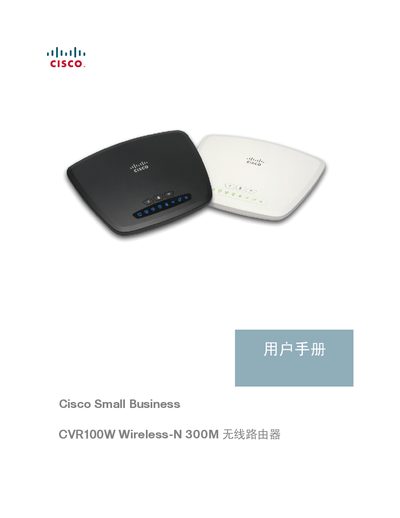
This manual covers the Cisco CVR100W Wireless‑N 300M router, a small‑business device that offers both wired and wireless connectivity. It explains hardware installation, basic and advanced configuration, and how to use features such as VPN, QoS, and Cisco Smart Connect.
The guide includes detailed chapters on network setup, wireless security, firewall settings, wireless distribution (WDS), and system management, helping users deploy and maintain the router in home or small‑office environments. This manual is written in Chinese.
| LAN ports | 4 full‑duplex 10/100 Mbps Ethernet ports |
|---|---|
| Wireless standards | IEEE 802.11n/g/b, up to 300 Mbps |
| Maximum VPN tunnels | 3 client‑to‑gateway tunnels |
The CVR100W provides four full‑duplex 10/100 Mbps Ethernet LAN ports.
It supports IEEE 802.11n, 802.11g, and 802.11b, with a maximum data rate of 300 Mbps.
The router can support up to three client‑to‑gateway VPN tunnels.