
A quick start guide that shows how to install, power, and configure the Cisco RV160 router.
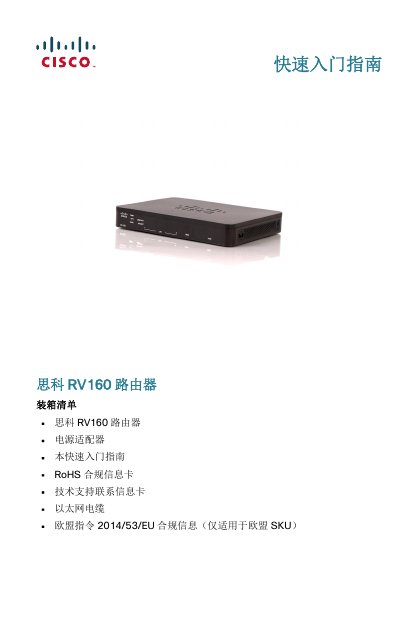
This guide provides step‑by‑step instructions for unpacking, installing (desktop or wall‑mount), and connecting the Cisco RV160 router. It includes safety warnings, hardware overview, and initial configuration using the web‑based device manager.
The document also covers basic administration tasks such as changing the default password, resetting the device, and troubleshooting connectivity issues with LED indicators and ping tests. This manual is written in Chinese.
| LAN ports | 4 RJ‑45 |
|---|---|
| WAN port | 1 |
| SFP port | 1 |
| USB port | 1 (A‑type) |
| Power input | 12 VDC 1.5 A |
| Gigabit Ethernet | WAN and LAN ports |
| VPN support | 4‑port VPN router |
| IPv6 firewall | Supported |
Press and hold the RESET button for more than 10 seconds; the router will restart and restore factory settings.