
Quick start guide for setting up the Cisco WAP371 dual‑band wireless access point.
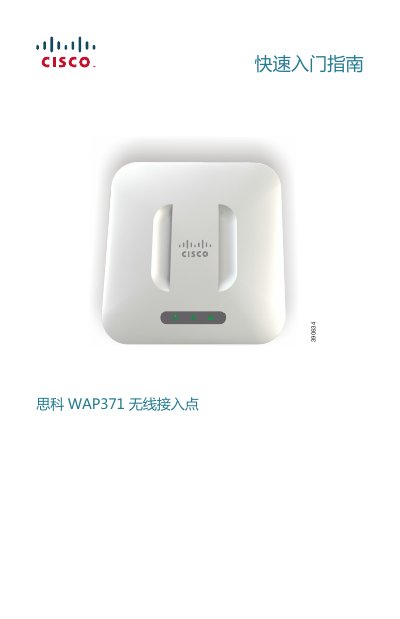
This guide introduces the Cisco WAP371 wireless access point, its packaging contents, hardware layout, and the steps required to install and configure the device. It covers mounting options, power options (PoE or 12 V adapter), and initial network connection.
The document also provides instructions for accessing the web‑based configuration utility, default credentials, troubleshooting tips, and how to reset the unit to factory defaults. This manual is written in Chinese.
| Default username | cisco |
|---|---|
| Default password | cisco |
| Fallback static IP address | 192.168.1.245 |
| Subnet mask | 255.255.255.0 |
| Wi‑Fi standards | 802.11ac/802.11n dual‑band |
| Power over Ethernet (PoE) | Supported via Ethernet port |
Press and hold the Reset button with a straightened paperclip for more than 10 seconds while the unit is powered; all LEDs will turn off and the device will reset to factory settings.
It falls back to the static IP address 192.168.1.245 with a subnet mask of 255.255.255.0.
The default username and password are both "cisco".