
The Cisco 300 Series Managed Switch Quick Start Guide provides setup, mounting, PoE, and basic configuration instructions.
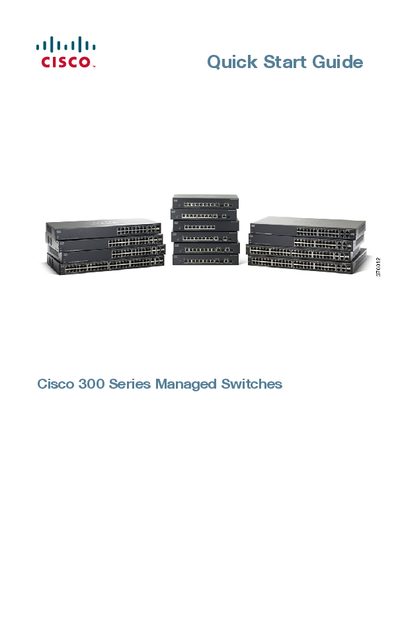
This guide introduces the Cisco 300 Series Managed Switches, covering package contents, physical installation options (rack, wall, or flat surface), and environmental requirements such as ambient temperature limits. It also explains how to connect network devices, power‑over‑Ethernet considerations, and the default IP configuration.
The document details both web‑based and console‑port management methods, including default login credentials, LED status indicators, reset procedures, and where to find further support resources. It is intended to get the switch operational quickly out of the box.
| Ambient Temperature (SF300-24P) | 104 °F (40 °C) |
|---|---|
| PoE Power (SF300-24P) | 180 W |
| Default IP address | 192.168.1.254 |
| Maximum PoE per port | 15.4 W |
The switch uses the factory default IP address 192.168.1.254.
Press and hold the Reset button for more than 10 seconds while the switch is powered on, after disconnecting it from the network.
The SF300‑24P model is rated for a maximum ambient temperature of 104 °F (40 °C).