
A quick start guide for installing and using Cisco Jabber on an iPhone.
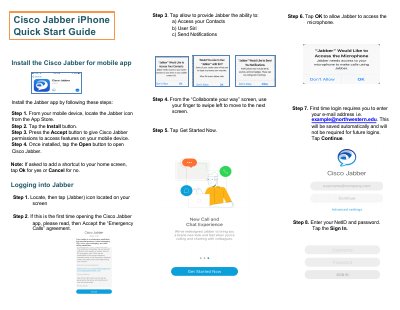
This guide walks you through installing the Cisco Jabber app on an iPhone, logging in with your NetID, and configuring basic settings such as status and presence. It also shows how to add contacts, create groups, and manage your voicemail.
The document explains call handling features, including answering, holding, transferring, and creating conference calls, as well as accessing meetings and using call controls like mute, video, and keypad functions.
Open the App Store, locate the Cisco Jabber app, tap Install, accept permissions, and then open the app.
Tap the contacts icon, select Add Contacts, search for the person, and assign them to a group if desired.
Tap the Answer button when a call comes in.
Press the Options icon, then press the Transfer icon and enter the target number.