
Quick start guide for setting up and using Cisco Jabber 11.9 on iPhone, iPad, and Apple Watch.
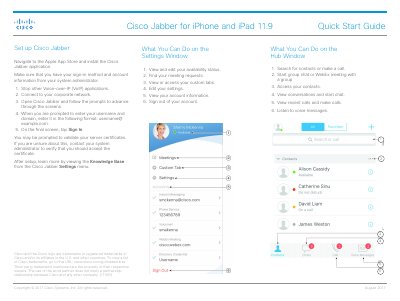
This guide provides step‑by‑step instructions for installing Cisco Jabber on iPhone and iPad, configuring basic settings, and using core features such as status, contacts, and messaging. It also covers how to access the Knowledge Base from the app settings.
Additional sections explain how to set up Cisco Jabber on an Apple Watch, including software requirements, pairing steps, and available watch‑specific functions like viewing messages and responding with canned replies or Siri.
| Cisco Jabber version | 11.9 |
|---|---|
| iOS requirement | iOS 10 or later |
| watchOS requirement | watchOS 3 or later |
Open the Apple App Store and install the Cisco Jabber application.
Your iPhone must run iOS 10 or later and the Apple Watch must run watchOS 3 or later.
Open the Settings window and select the option to view and edit your availability status.